Reminders without the noise

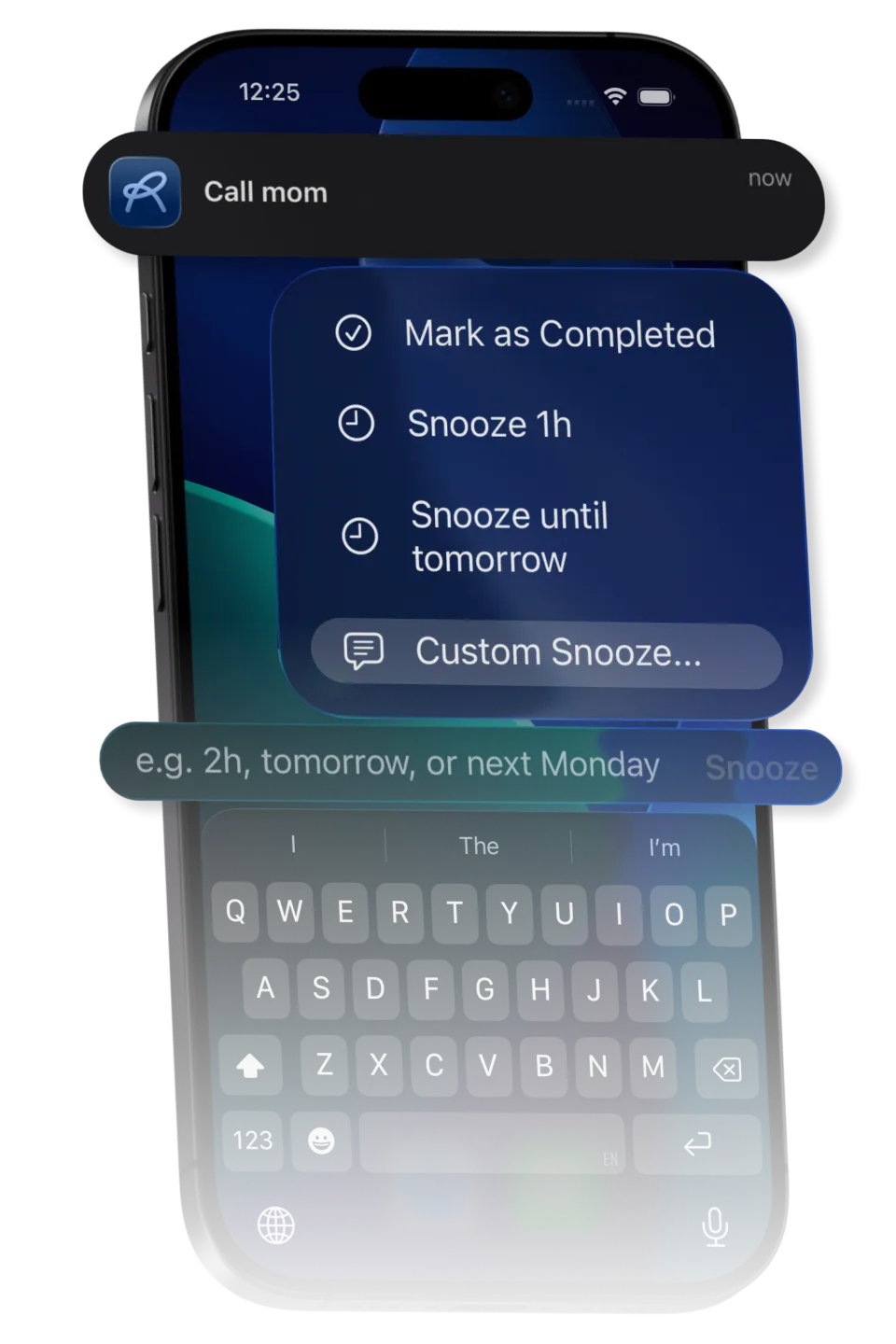
Snooze straight from the notification. Type 2h, tomorrow, or Next Monday at 5 in plain language and Recaal reschedules it. Power without the clutter.


Download on the App StoreGet it on Google Play
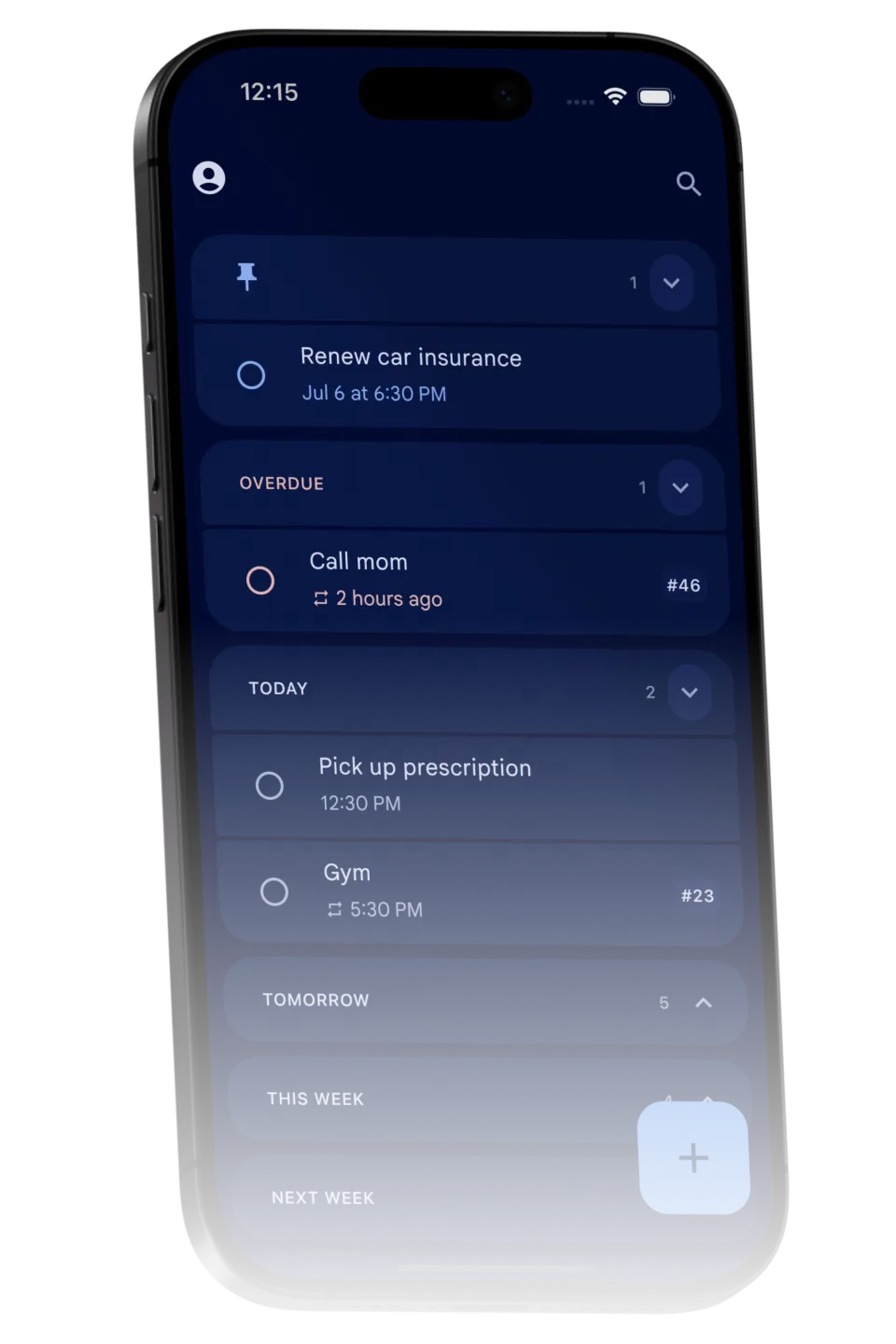
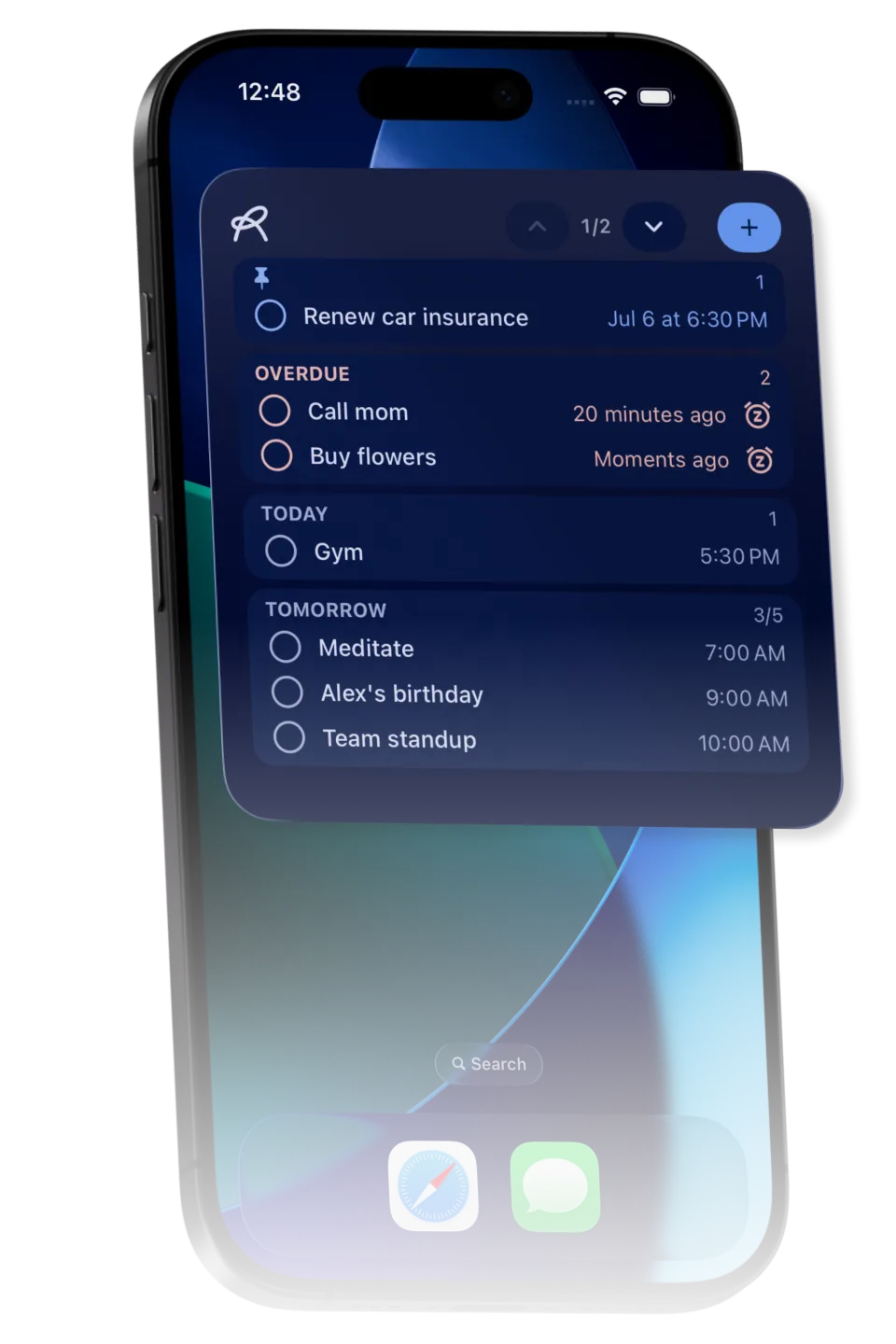
Recaal reminders organized by importance and time

Everything you need, nothing you don't

Natural-language snooze

Reschedule from the notification by typing "2h", "tomorrow" or "Next Monday at 5".

Quick add

Android

Type a new reminder straight from a notification.

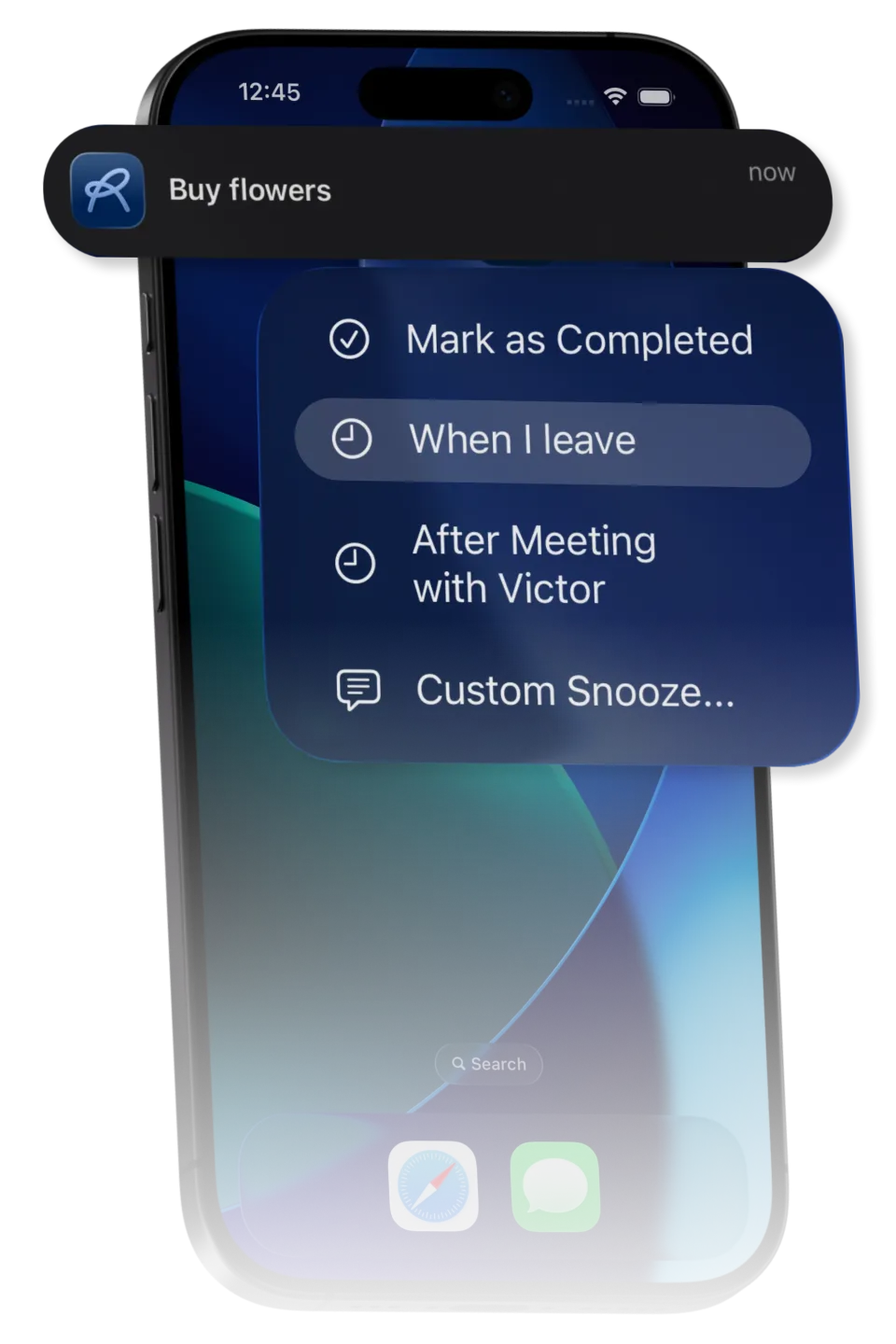
Context-aware

Snooze until after your current calendar event, or until after you leave the current location.

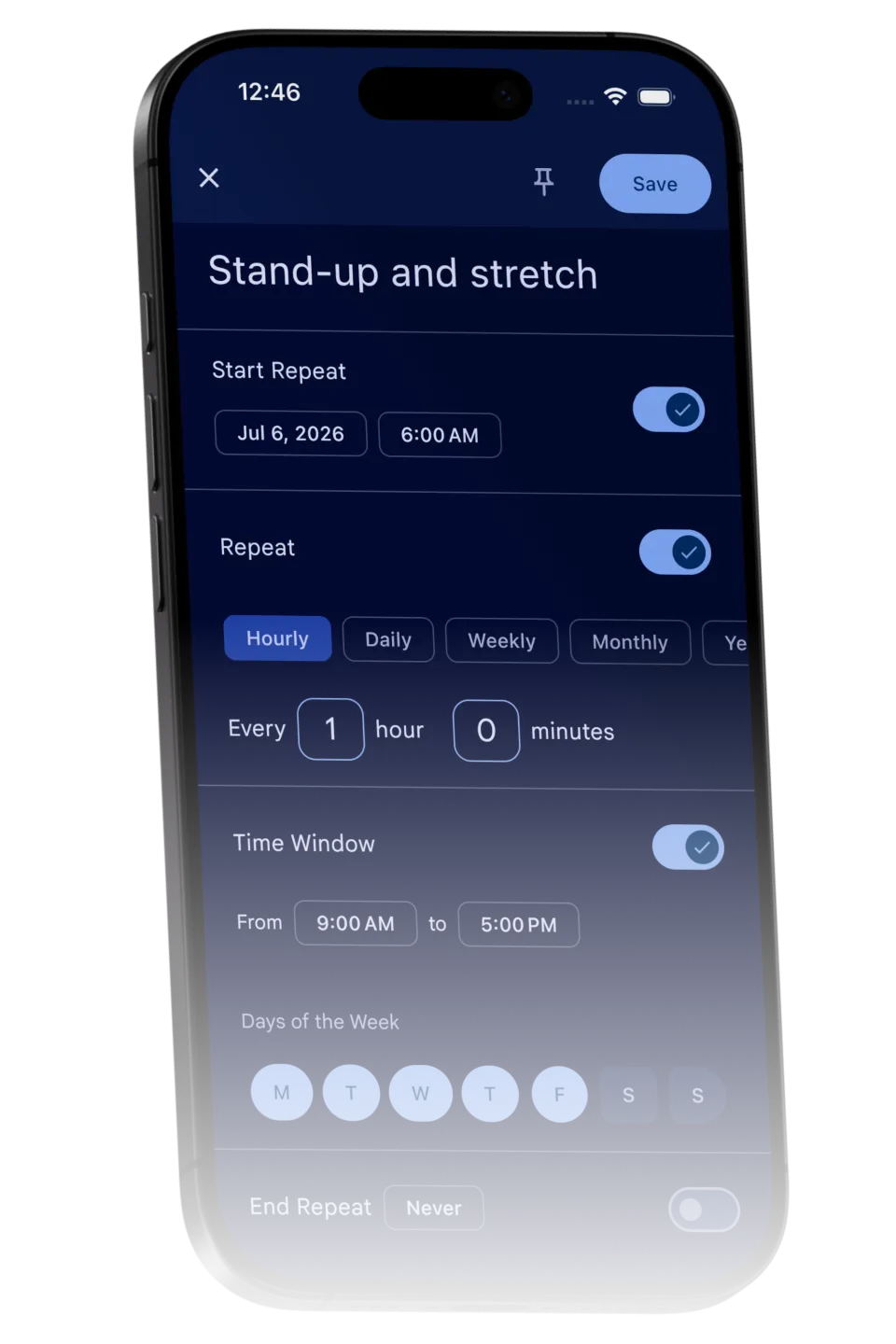
Powerful recurring

Hourly to yearly schedules, with time windows and specific days of the week for hourly repeats.

Organized for you

Pinned, overdue, today, tomorrow, this week, later and completed, sorted by importance and time.

Occurrence counter

Every recurring reminder shows a completed-occurrence counter, for a light streak feel.

Widgets

Keep your reminders one glance away with home-screen widgets for quick access.

Cross-platform sync

Real-time sync between Android and iPhone, so your reminders are everywhere at once.

Download Recaal

A debloated, powerful reminder app with natural-language snooze, context-aware reminders and truly flexible recurring schedules.

Download on the App StoreGet it on Google Play

Free to download for Android and iPhone.

Frequently Asked Questions

How does snoozing from the notification work?
When a reminder fires, you can reschedule it right from the notification using plain language. Type "2h", "tomorrow", or "Next Monday at 5" and Recaal understands. No need to open the app.
What are context-aware reminders?
Recaal can snooze a reminder until after your current calendar event, or until after you leave your current location. It uses your context so you get reminded at the right moment instead of the wrong one.
How flexible are the recurring reminders?
Very. Choose hourly, daily, weekly, monthly or yearly schedules, and for hourly repeats you can set a time window and specific days of the week. From an every-few-hours check-in to a once-a-year birthday, Recaal handles it.
What is the completed-occurrence counter?
Every recurring reminder shows a small counter of completed occurrences on the main screen. It gives you a light habit and streak feel without needing a separate habit tracker.
Does it sync between Android and iPhone?
Yes. Recaal offers real-time sync across Android and iPhone, so your reminders stay up to date everywhere. It is ideal for households and anyone who uses both platforms or switches devices.
What makes Recaal different?
Recaal is a debloated, powerful reminder app: a minimalist interface where you snooze in plain language right from the notification, with context-aware and truly flexible recurring reminders, and none of the clutter.